How it works · Front Desk
Cars at the gate
A desk at the car park can ask which car a visitor came in: the emirate, the plate and its colour. The next time it offers the same car, and a guard can find the visitor by the plate alone.
- Setup › Cars. Only this desk.
- Emirate, colour, code, number.
- Find a visitor by the plate.
Setup › Cars
Not asked, Asked, or Required
This device only: the car-park gate asks, the reception desk does not. Asked lets a visitor on foot in without a car. Required holds Admit until the car is filled in.
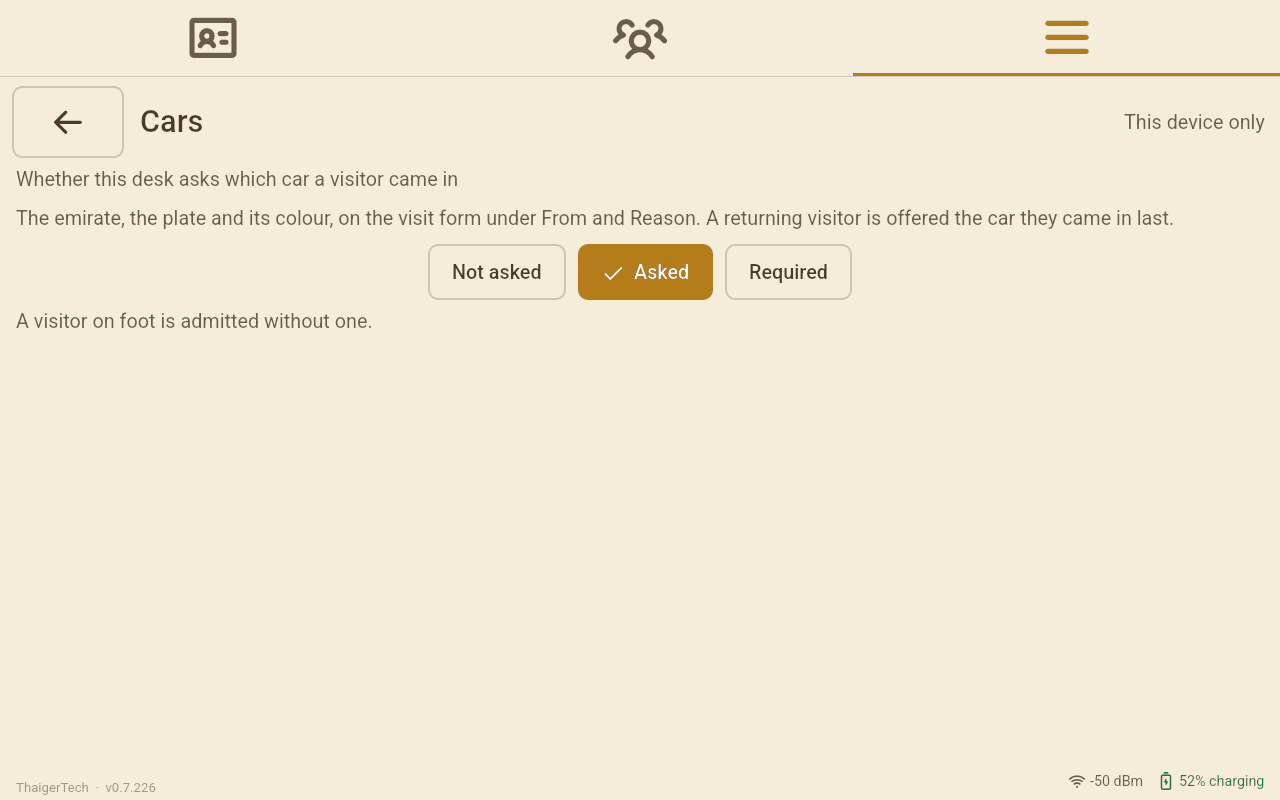
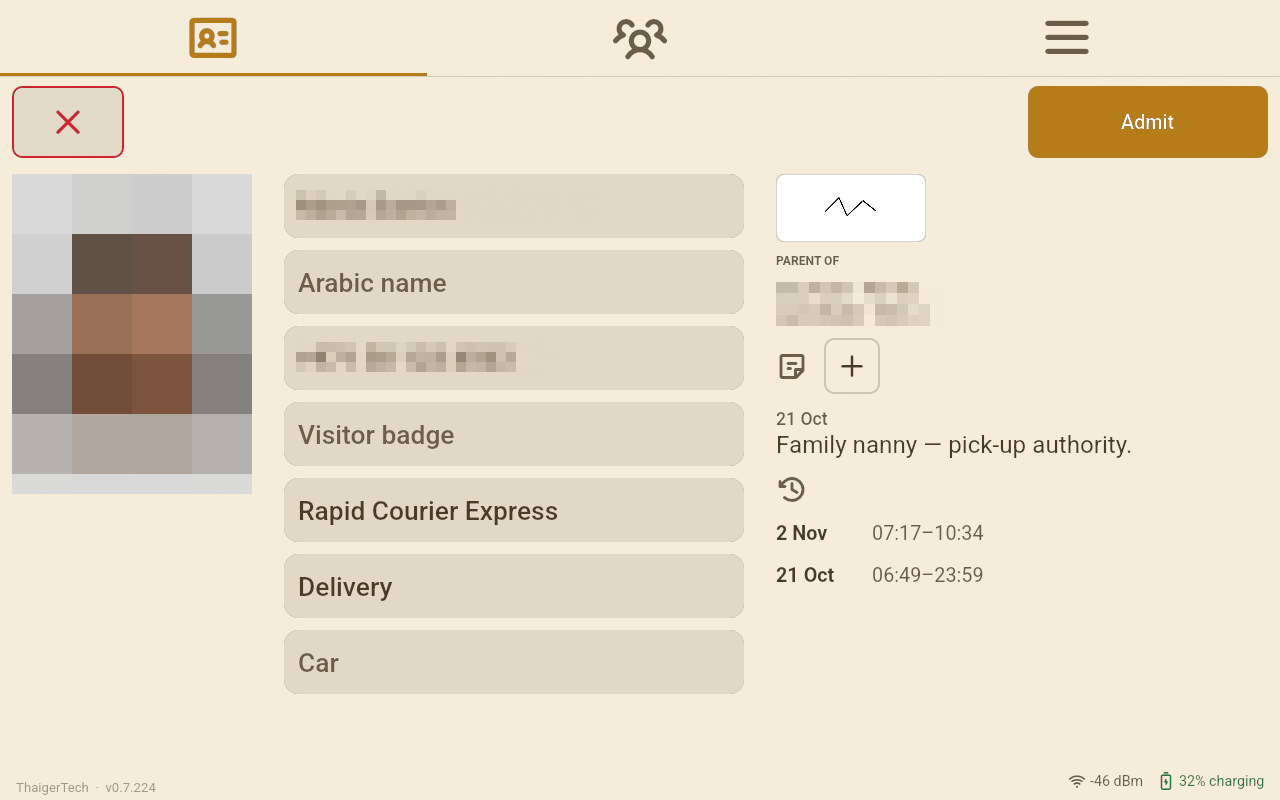
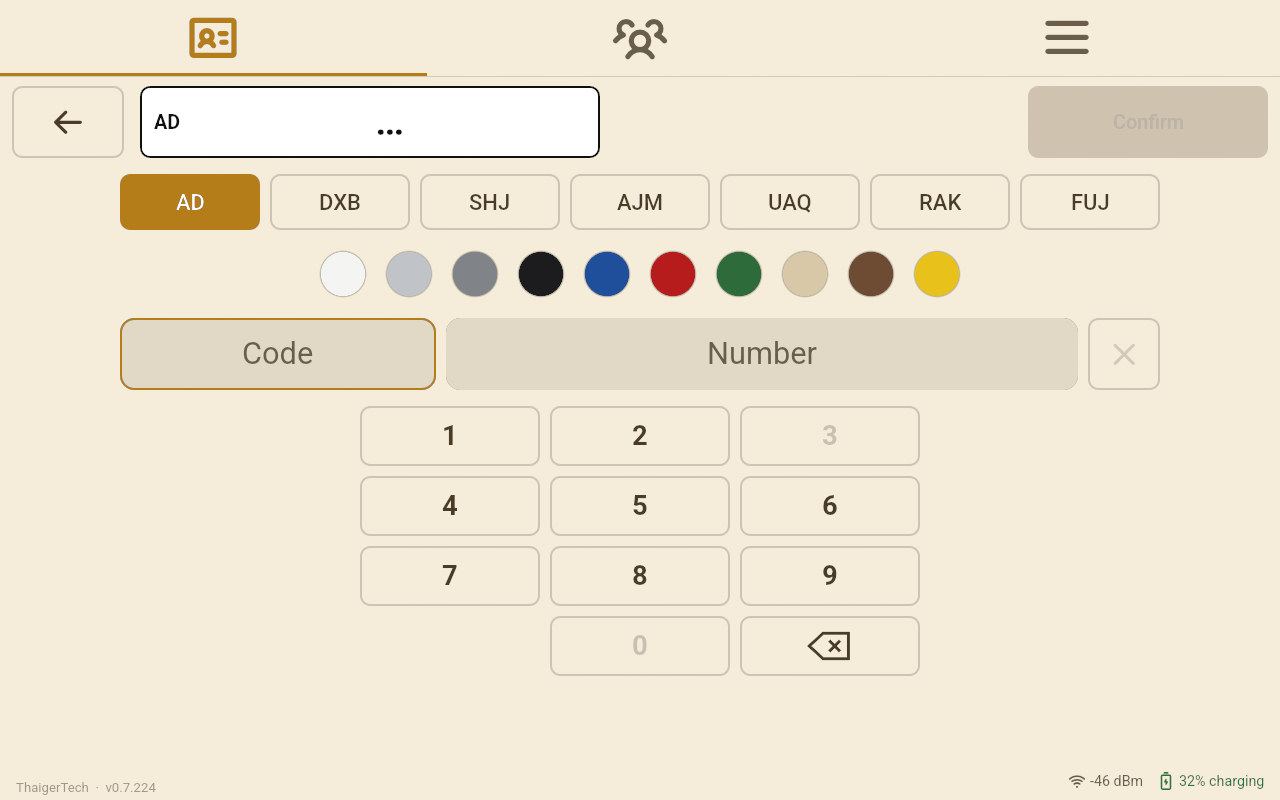
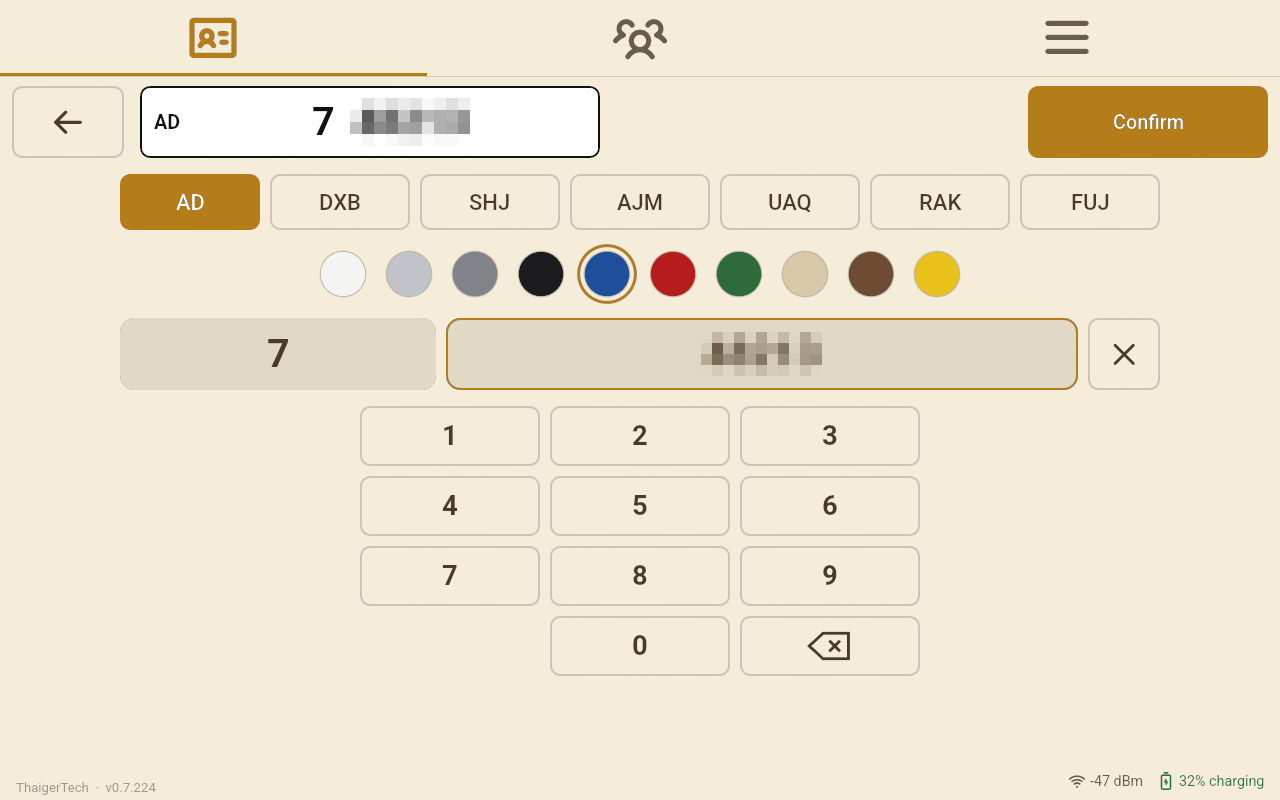
All people, names and photos in screenshots are demo data generated by AI. Any resemblance to real persons is unintentional. Faces, names, phone numbers and plate numbers are blurred.
The plate
Emirate, colour, code, number
Tap the Car box. The seven emirates are in a row, the ten colours under them, then the code and the number. Only the codes the chosen emirate uses can be typed: in Abu Dhabi there is no code 3, and none starts with 0. Once no longer code is possible the keys move on to the number by themselves. The plate reads at the top as you type; Confirm puts it on the visit.
On the visit, and the next time
The same car is offered again
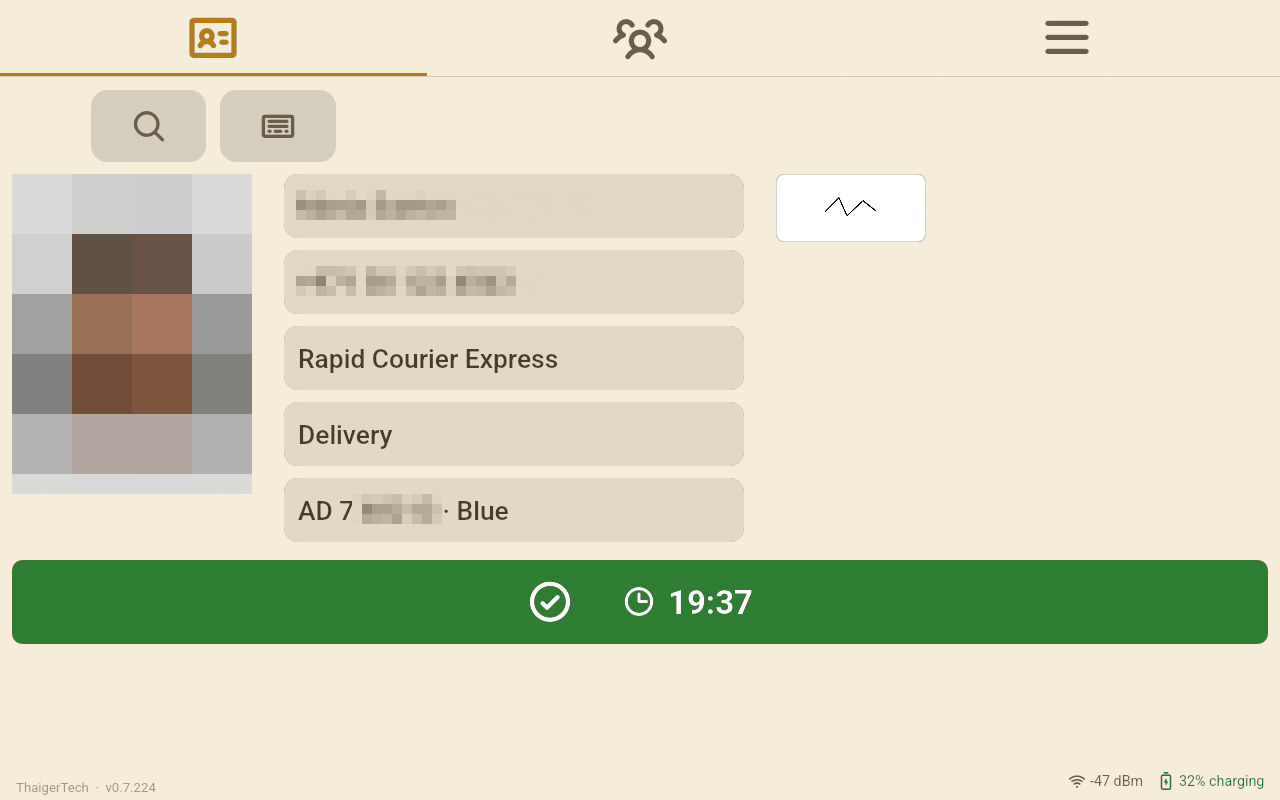
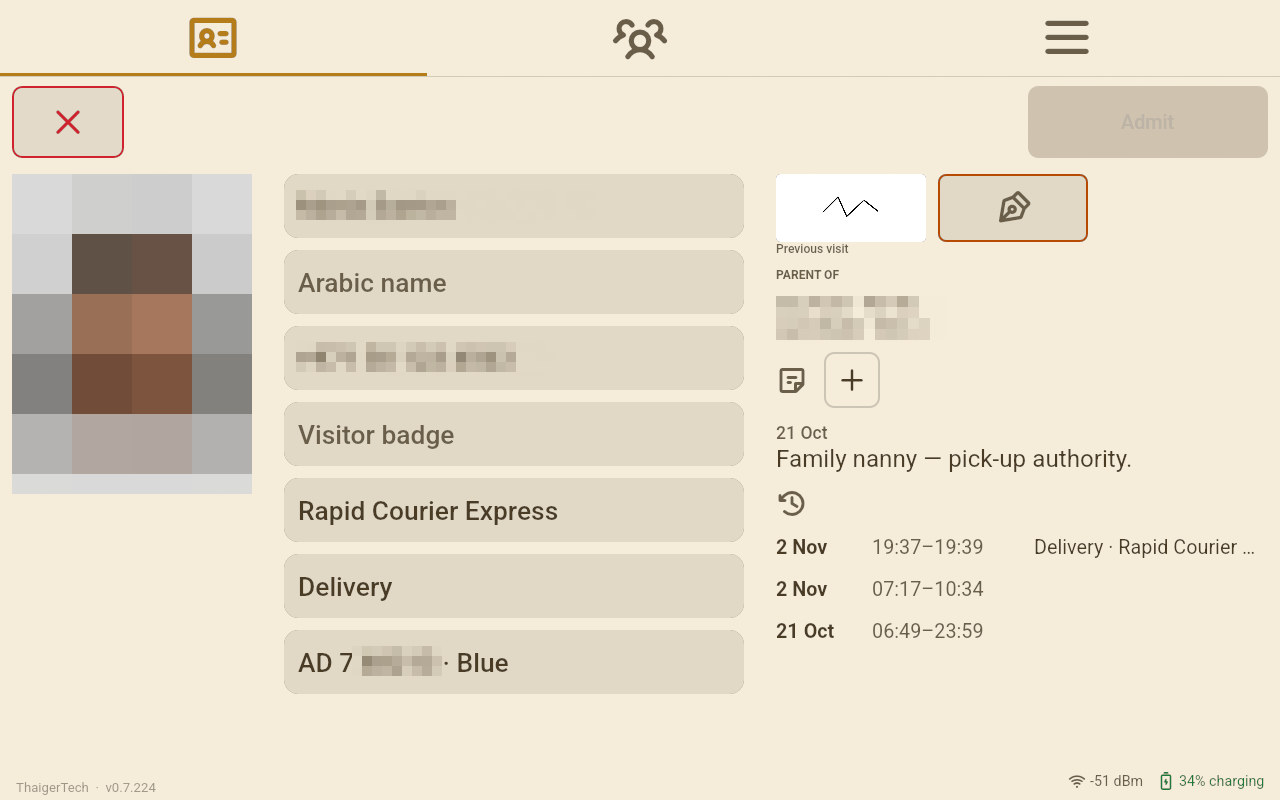
The car is on the visit the operator sees when it goes in. The next time this person comes, the form offers the car they came in last; another car is one tap on the box.
Find by plate
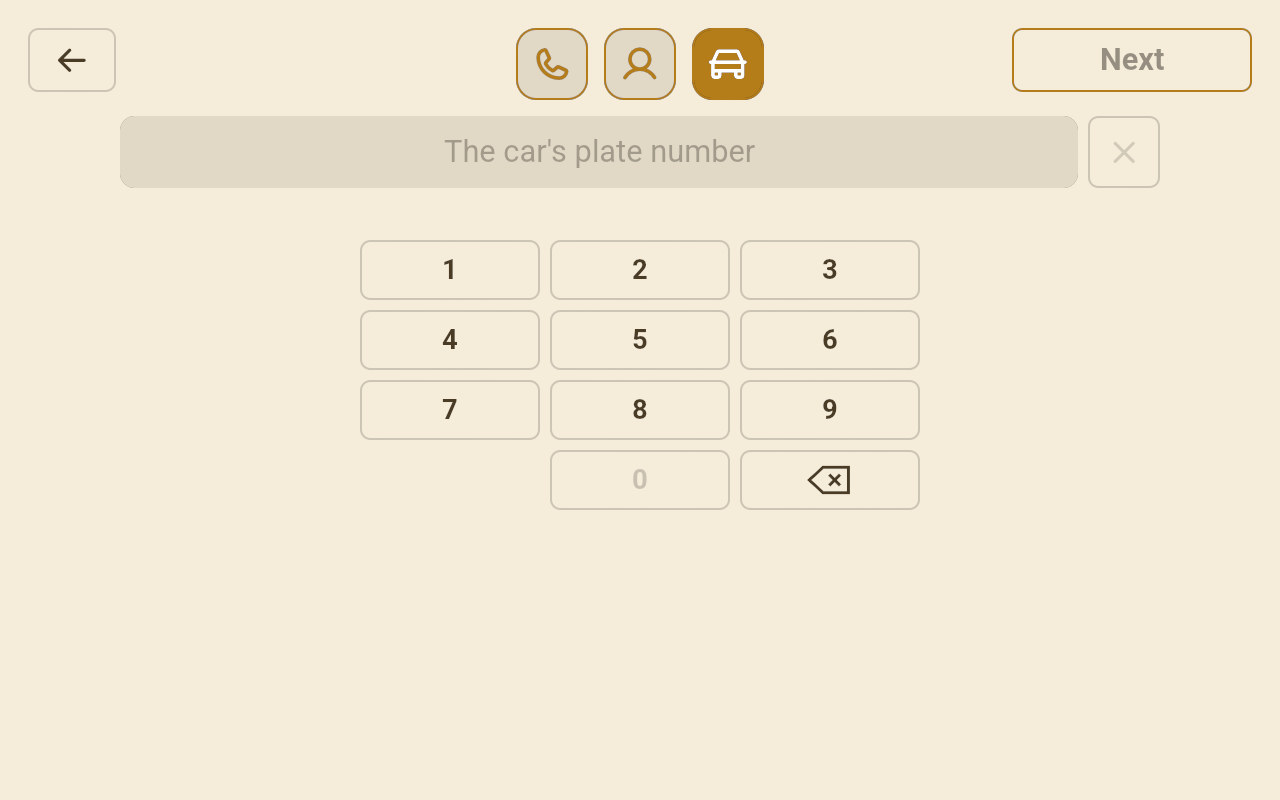
Whose car is that?
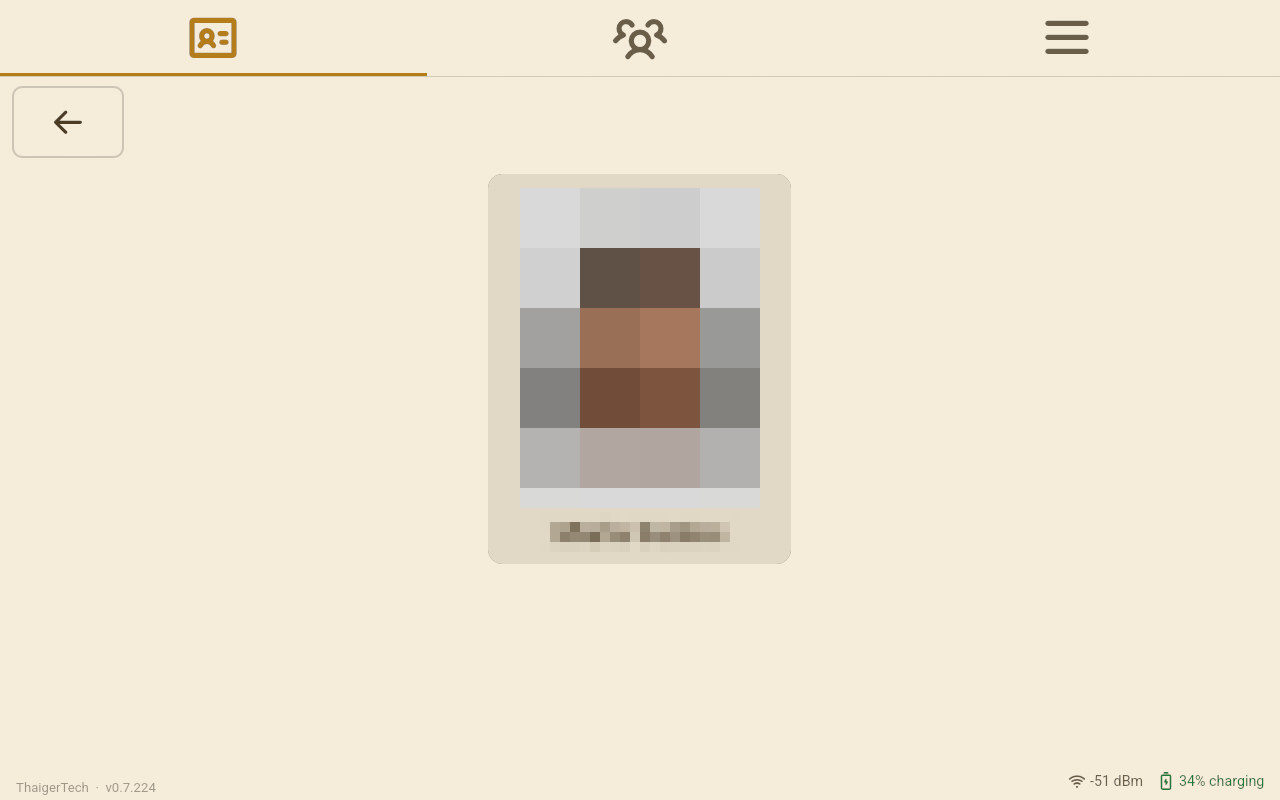
On a desk that asks for cars, Find has a Car tile beside Phone and Name, on the visitor's screen too. Type the plate's number and Next: the desk shows who came in that car.
Faster: who is asked what
Setup › Faster on each Front Desk, switch by switch, for a stranger and for somebody seen before.
An event day
Sports Day, an open day, a graduation: planned in the office, started at the desk, every visit filed under it.