How it works · Front Desk
Faster: who is asked what
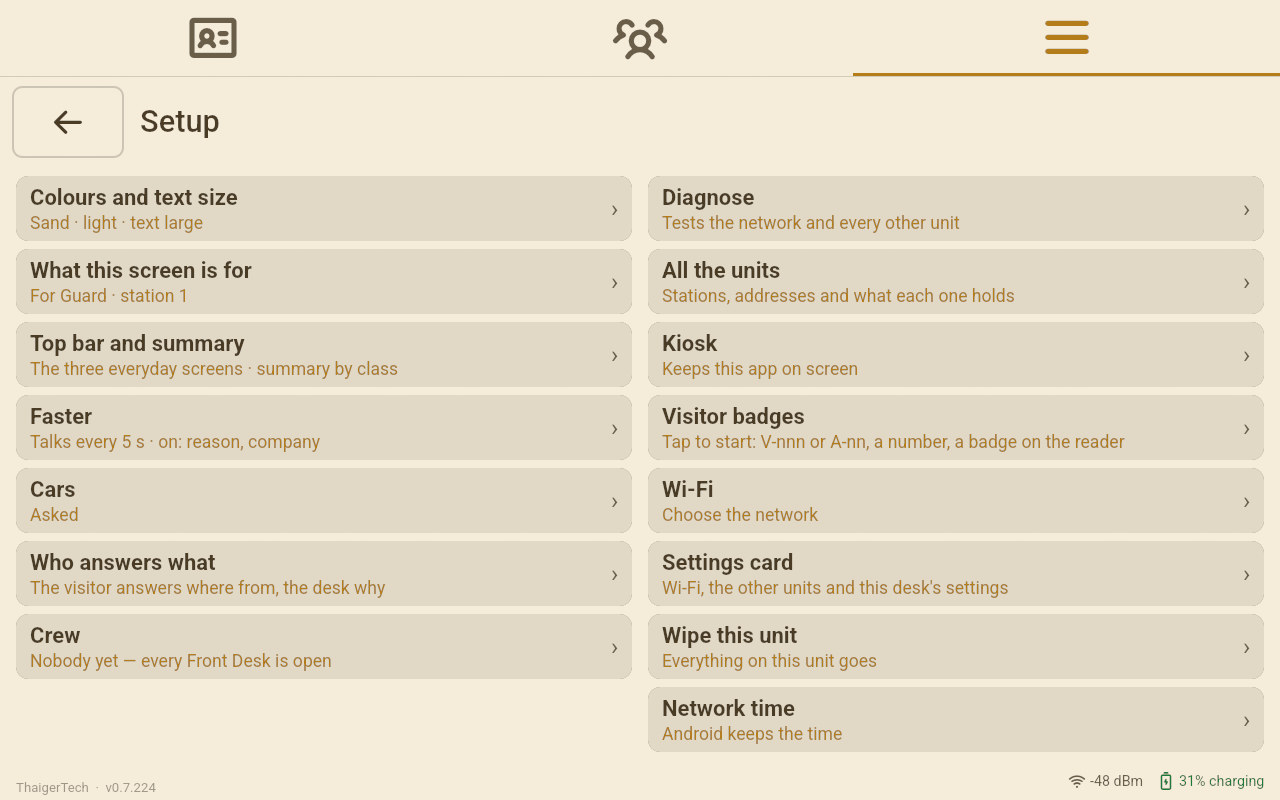
Every Front Desk has its own Setup › Faster. It decides how much a visitor is asked at this desk. A stranger is always asked everything. Somebody who has been here before can be spared what their last visit already says.
- Setup › Faster. Only this desk.
- A stranger answers everything.
- Keep spares somebody who came before.
All people, names and photos in screenshots are demo data generated by AI. Any resemblance to real persons is unintentional. Faces, names, phone numbers and plate numbers are blurred.
Line by line
This device only
Faster belongs to the desk, not to the school. The car-park gate can let its regulars through on one tap while the reception desk asks everybody everything. A switch is saved the moment it moves. A switch that is on is dark, with its knob on the right.
Talk to the other units every 5, 10, 30 or 60 seconds
How often this desk exchanges its news with the other desks, the palm readers and the office PC. 5 to show somebody, 60 for a real day.
Admit by itself
The visit goes in the moment the form is complete and the visitor has finished on their screen. Nobody taps Admit, and no badge goes with it. Somebody found by typing is still admitted by the operator.
Keep the reason, Keep the company
The reason and the company of the person's last visit are filed, not asked. Only what that visit really says is kept: a parent whose last visit was a pickup has no company on it, so the company is asked.
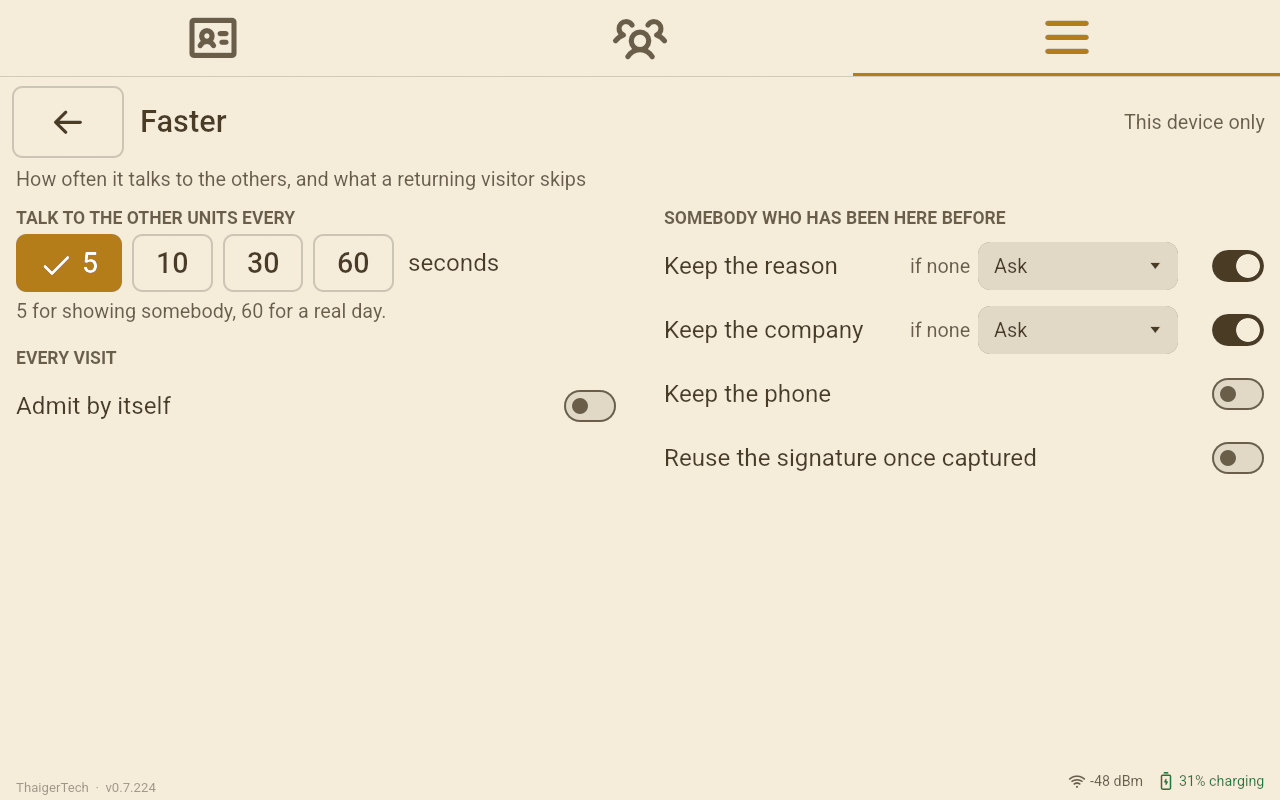
if none
Beside each Keep switch: what to file when there is nothing to keep, for a first-time visitor too. A delivery gate sets if none to Delivery, and nobody is asked why they came. The default is Ask.
Keep the phone
A number on file is used and not asked. With the switch off, the visitor's screen shows the number and asks: Is this still your number?
Reuse the signature once captured
Somebody who signed on an earlier visit does not sign again. That signature is copied onto this visit and marked as carried over, with the day it was drawn.
Guard
Once the school has Front Desk staff under Setup › Crew, a line here names who is on duty, and the desk opens the day for them instead of asking for their card each morning.
Do not send to WhatsApp
Only on a desk with WhatsApp installed: no visit card is offered for WhatsApp after each visitor.
Strangers and regulars
One switch, three kinds of visitor
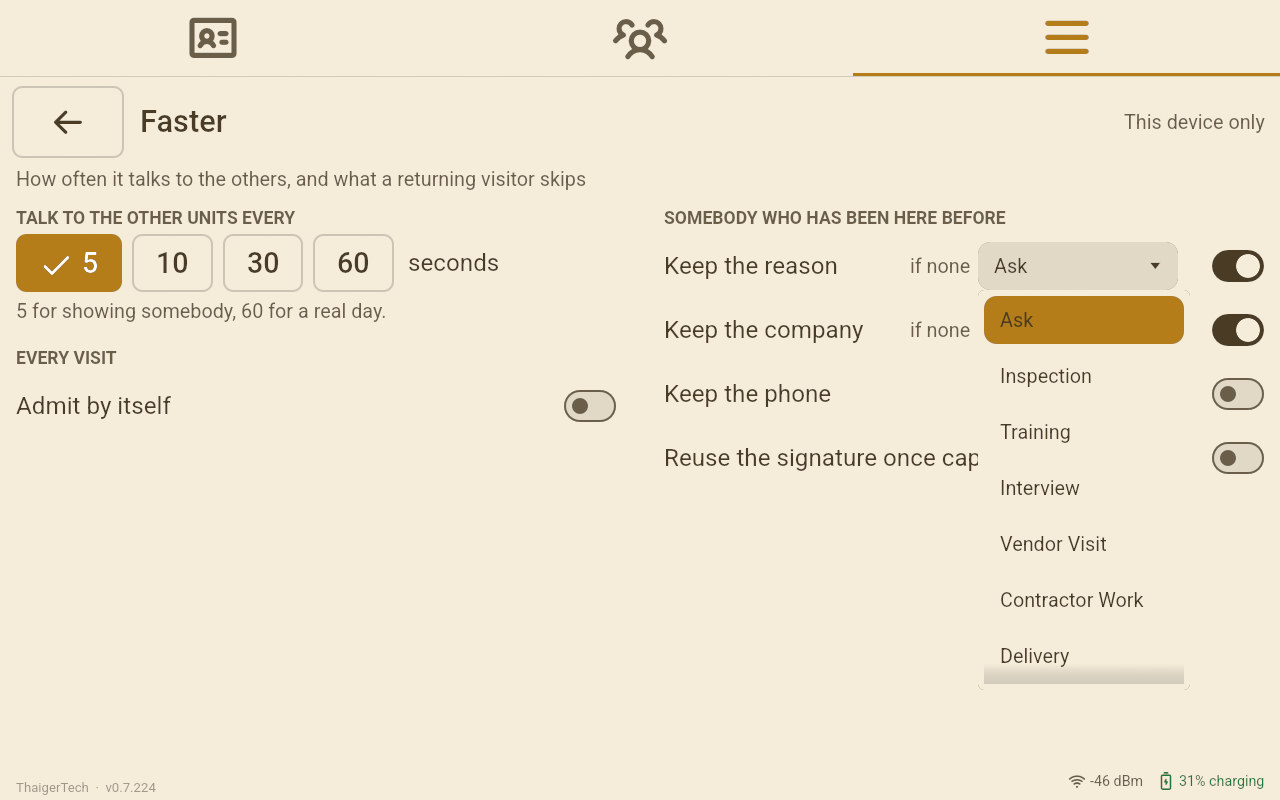
Seen before means an earlier visit of this person at this school, on any desk. Four digits of a phone, a few letters of a name or a car's plate are no card: somebody found that way confirms their number and company, and signs, whatever Faster says. The table says what each switch does when it is on. With it off, everybody is asked.
| Switch on | A stranger | Seen before, Emirates ID read | Seen before, found by typing |
|---|---|---|---|
| Keep the reason | Asked, or the if none reason | Last visit's reason, not asked | Last visit's reason on the form; the operator may change it |
| Keep the company | Asked, or the if none company | Last visit's company, not asked | Asked: Is this still your company? |
| Keep the phone | Asked | Not asked when a number is on file | Asked: Is this still your number? |
| Reuse the signature | Signs | Not asked when they signed before | Signs |
| Admit by itself | In once their answers are done | In once their answers are done, often with nothing asked | The operator taps Admit |
| Do not send to WhatsApp | No WhatsApp card | No WhatsApp card | No WhatsApp card |
With every switch on and if none set, a regular delivery driver is read from their Emirates ID and is in. The visitor's screen does not even light up.
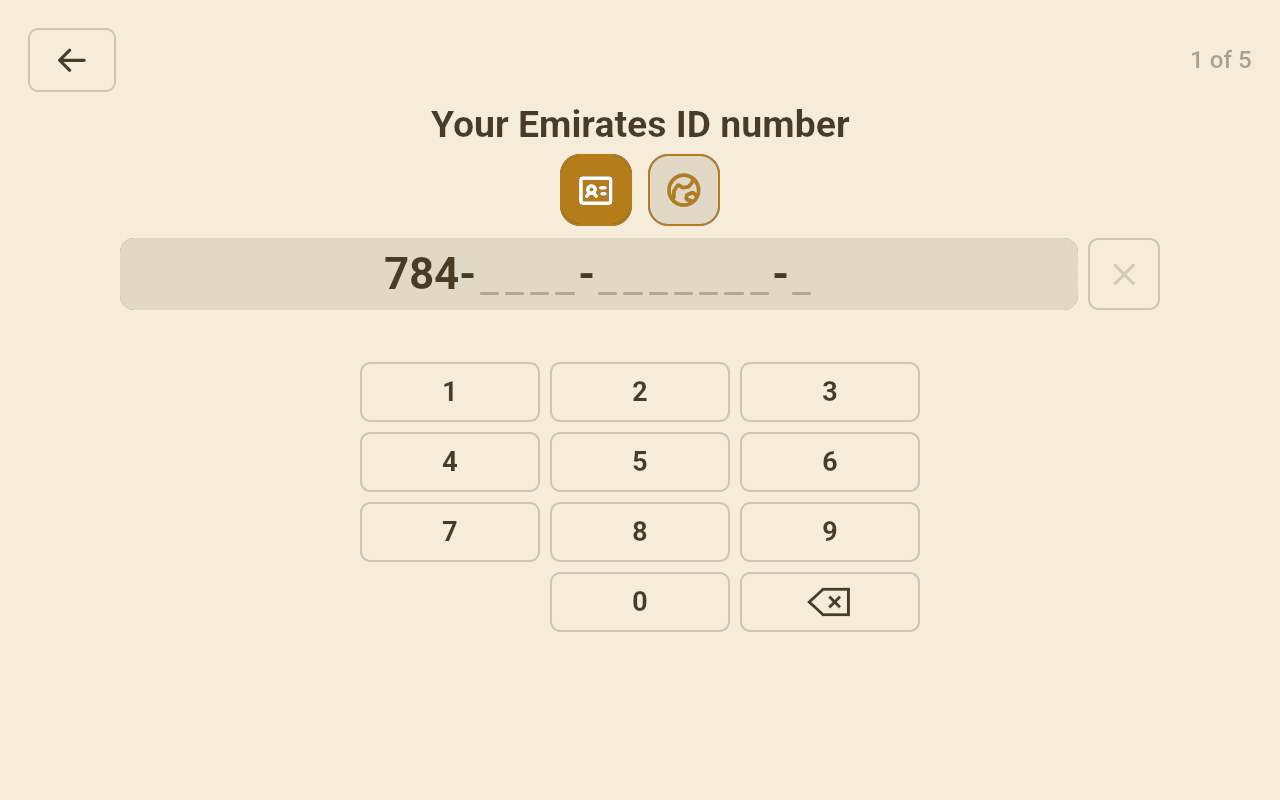
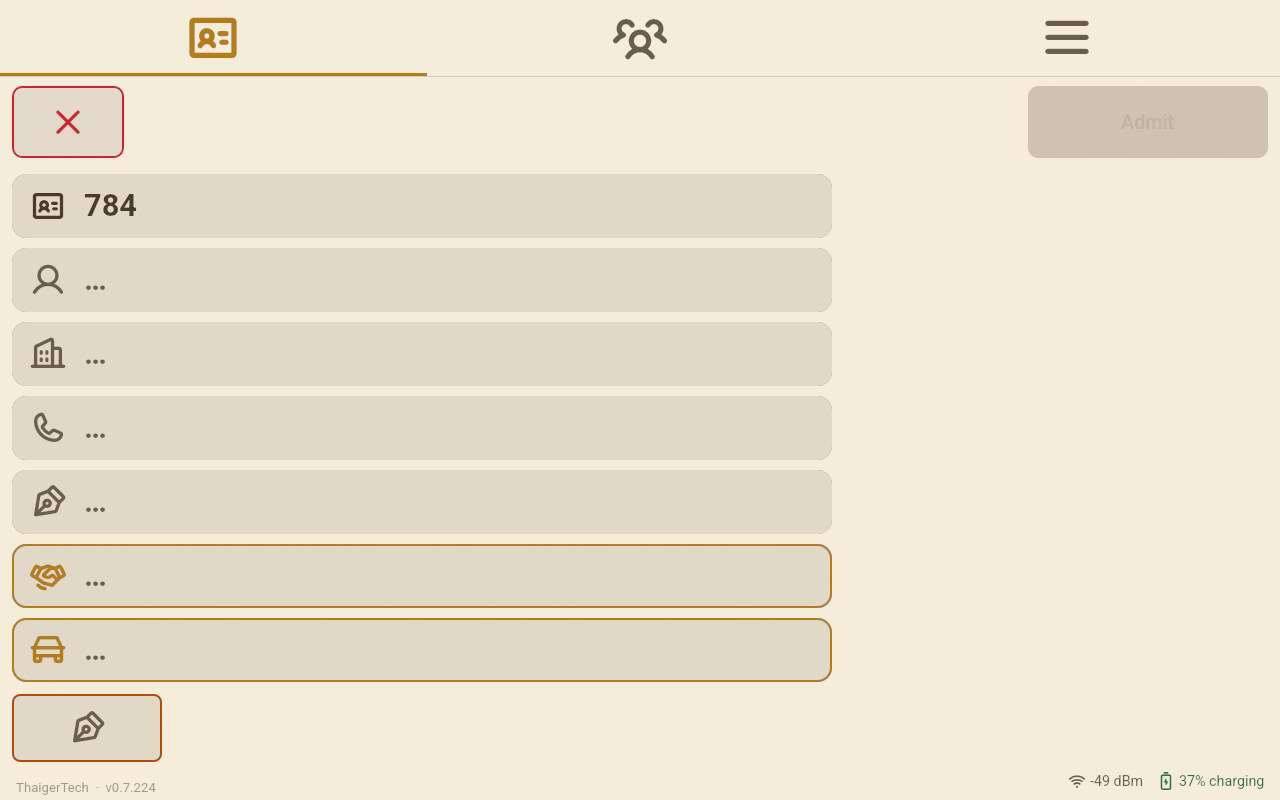
A stranger without their card starts with the keyboard button on the Front Desk. Their screen asks five things: the ID or passport number, the name, the company, the phone and the signature. The desk's form fills in as they type. On this desk the reason is the desk's to choose, so its box waits, outlined, for the operator.
One visitor, twice
The first time she answers. The second time she confirms.
This desk keeps the reason and the company. Her last visit was a pickup, with no company on it, so the first time there is nothing to keep: her screen asks three things, and the desk chooses why she came.
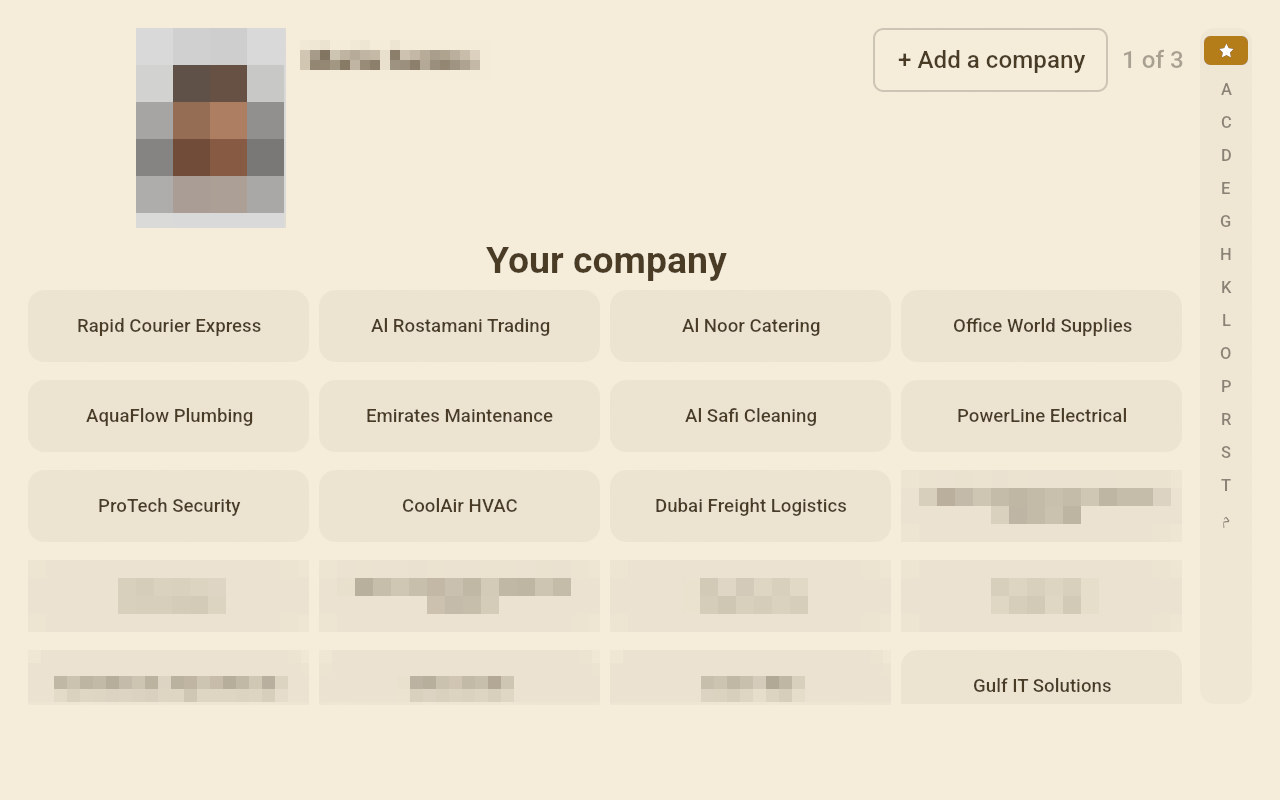
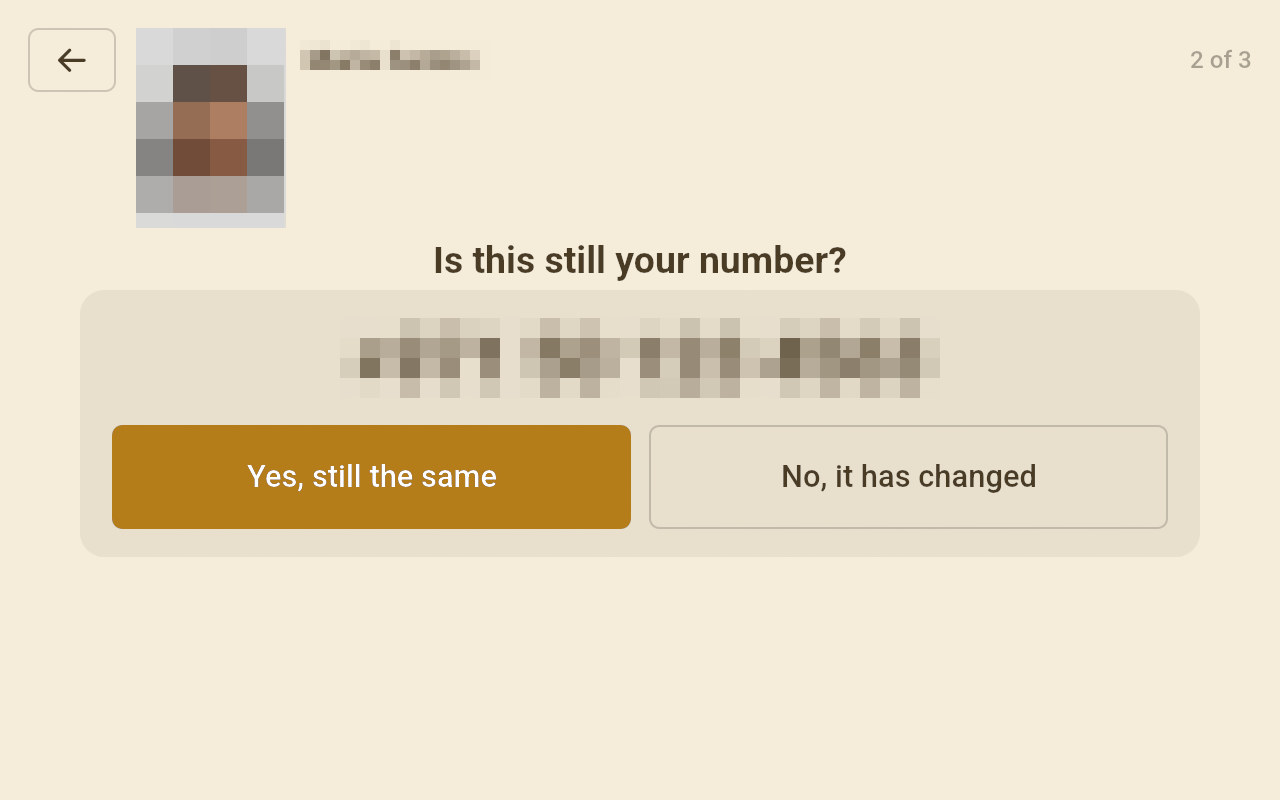
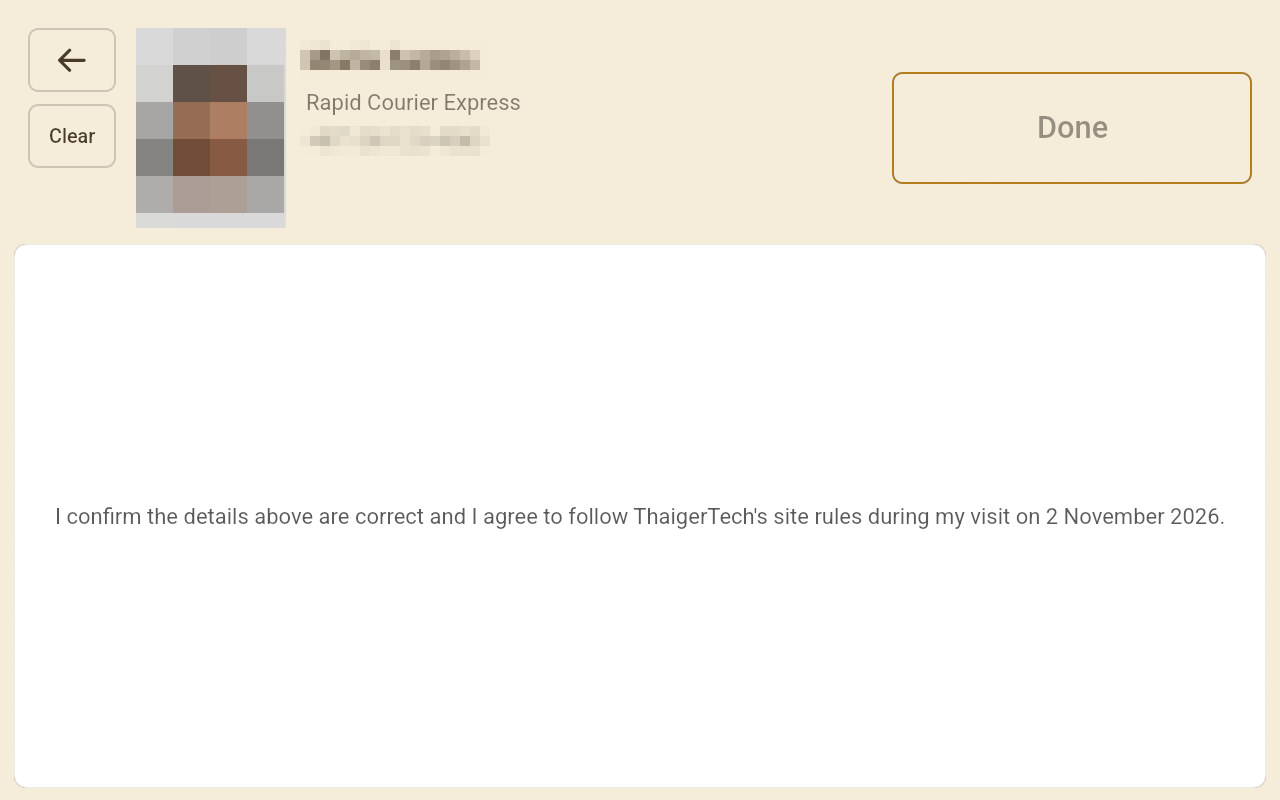
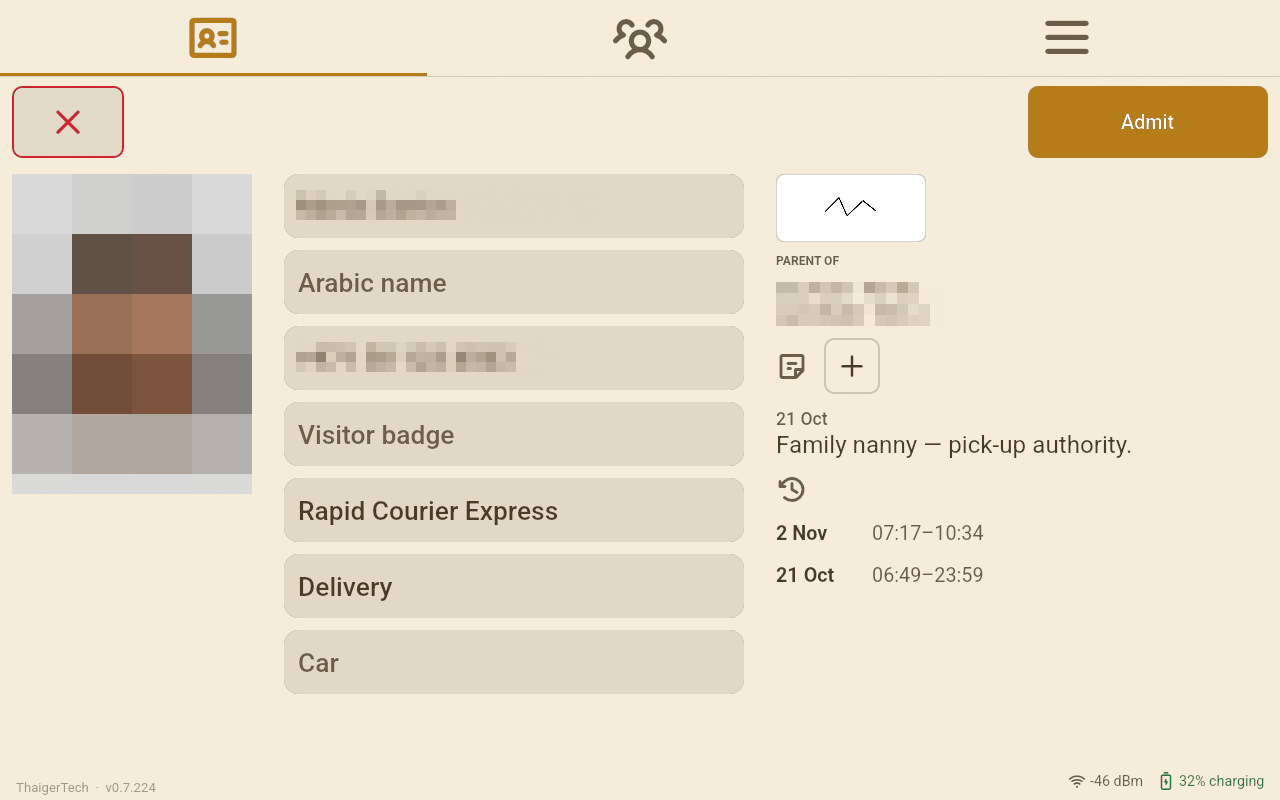
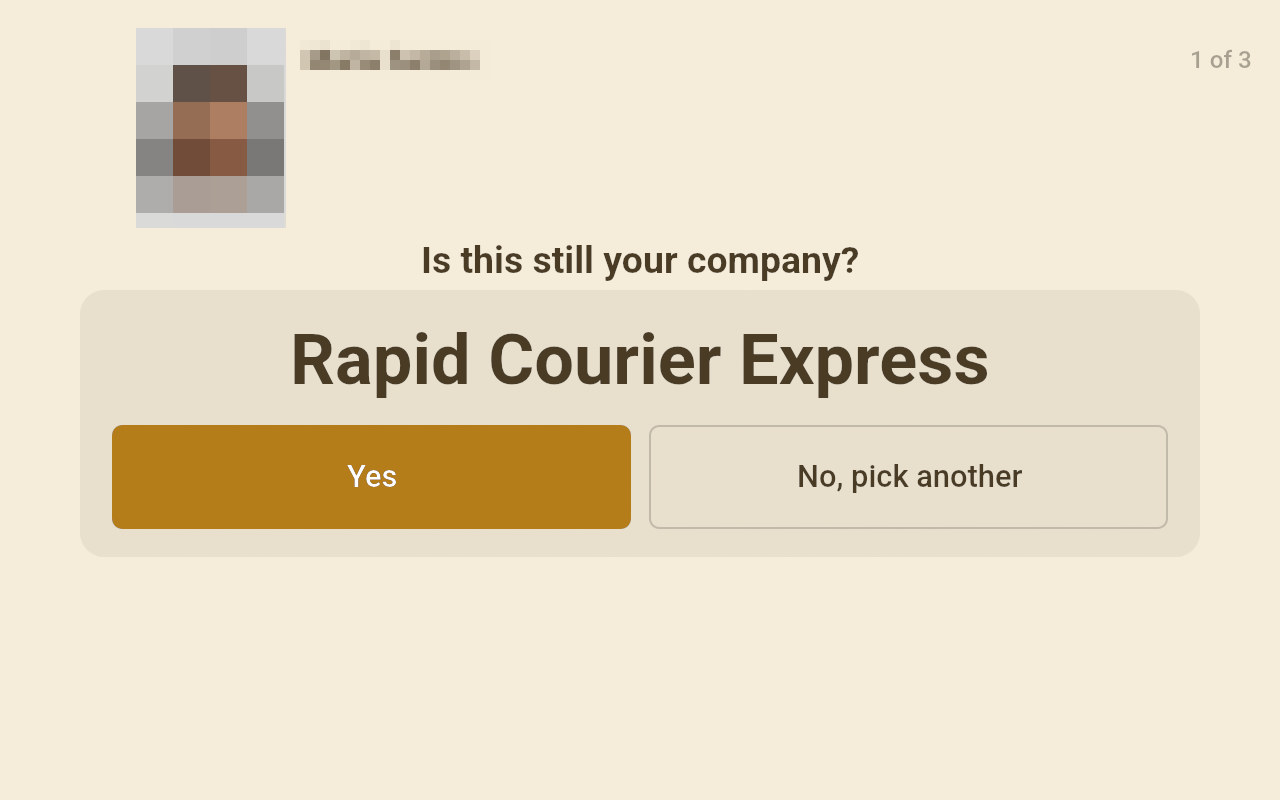
The next time she is found by her name. Company, reason and car are already on the form from that visit, with her last signature beside it. Her screen asks: Is this still your company?
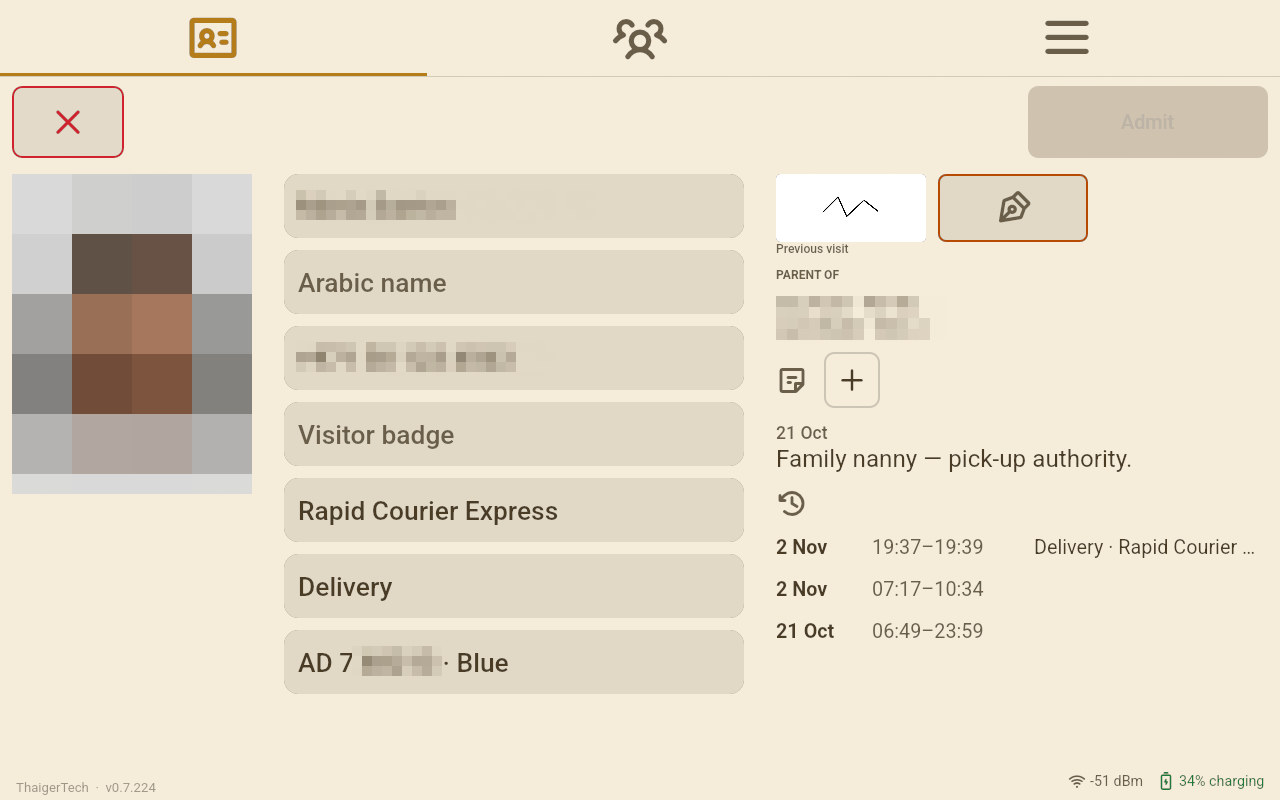
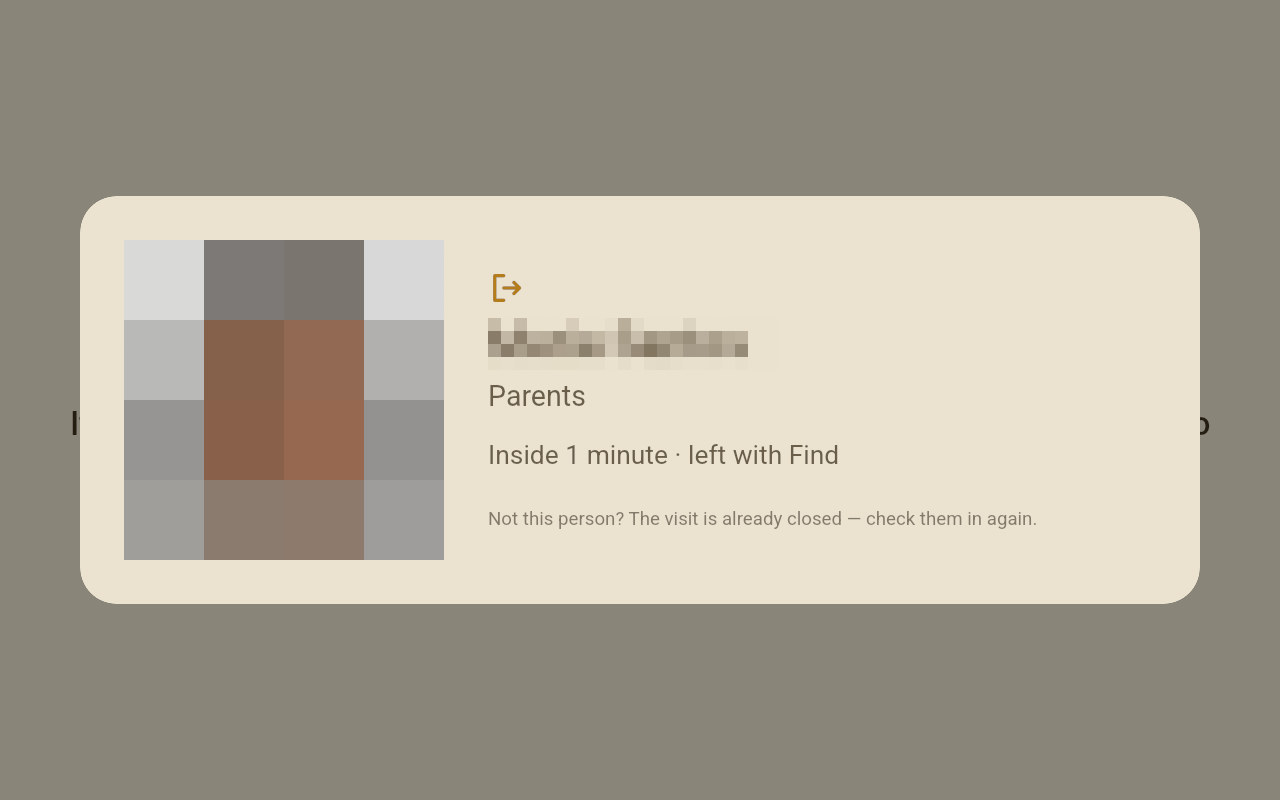
Found while she is still inside? Then it is her way out, as a tap of her Emirates ID would be: the visit closes and the desk shows her leaving.
Which to choose
Two desks, two answers
- A gate with regular deliveries and contractors: all four Keep switches, Admit by itself, and if none set to Delivery. A known driver taps an Emirates ID and goes through.
- A reception desk that talks to everybody: every switch off. Every visitor answers and signs, every time.
- An event: the event is the reason for everybody. See An event day.
An event day
Sports Day, an open day, a graduation: planned in the office, started at the desk, every visit filed under it.
Cars at the gate
The emirate, the plate and its colour on the visit, offered again next time, and Find by plate.