How it works · Front Desk and office
An event day
Sports Day, an open day, a graduation. The office plans it once. On the day a Front Desk runs it on one screen, and every visit is filed under the event, so History, the statistics and the office's lists keep it apart from a normal day.
- Name the day on the Calendar.
- Tick Event.
- The Front Desk offers it on the day.
- The office plans the event.
- The Front Desk starts it in Setup.
- For Guard again afterwards.
Step 1 · In the office
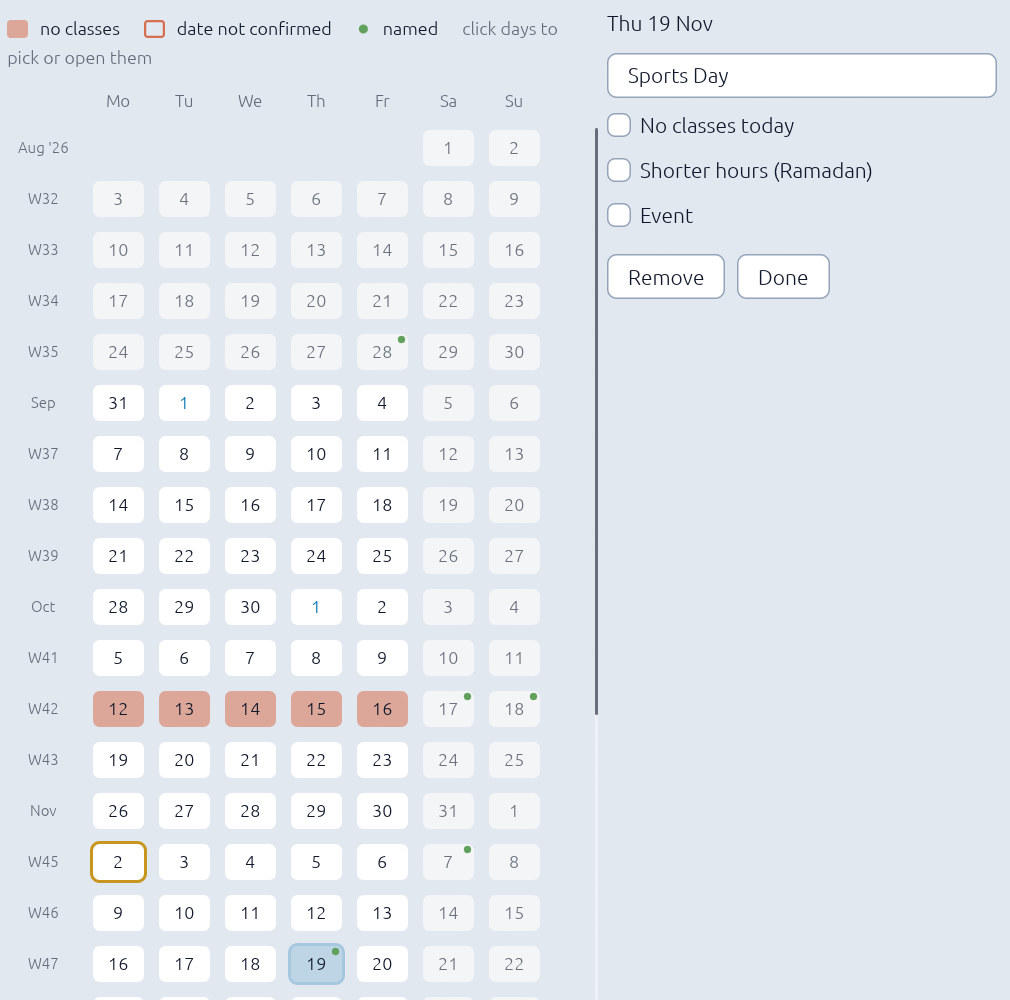
Mark the days on the Calendar
In the Back Office, on the Calendar, choose the day or days and give them a name. Tick Event under the name. Then set from how many days before the visitor's screen counts down to it, the opening times, and a picture for that countdown if you have one. Sync takes it to every desk.
Step 2 · At the Front Desk, on the day
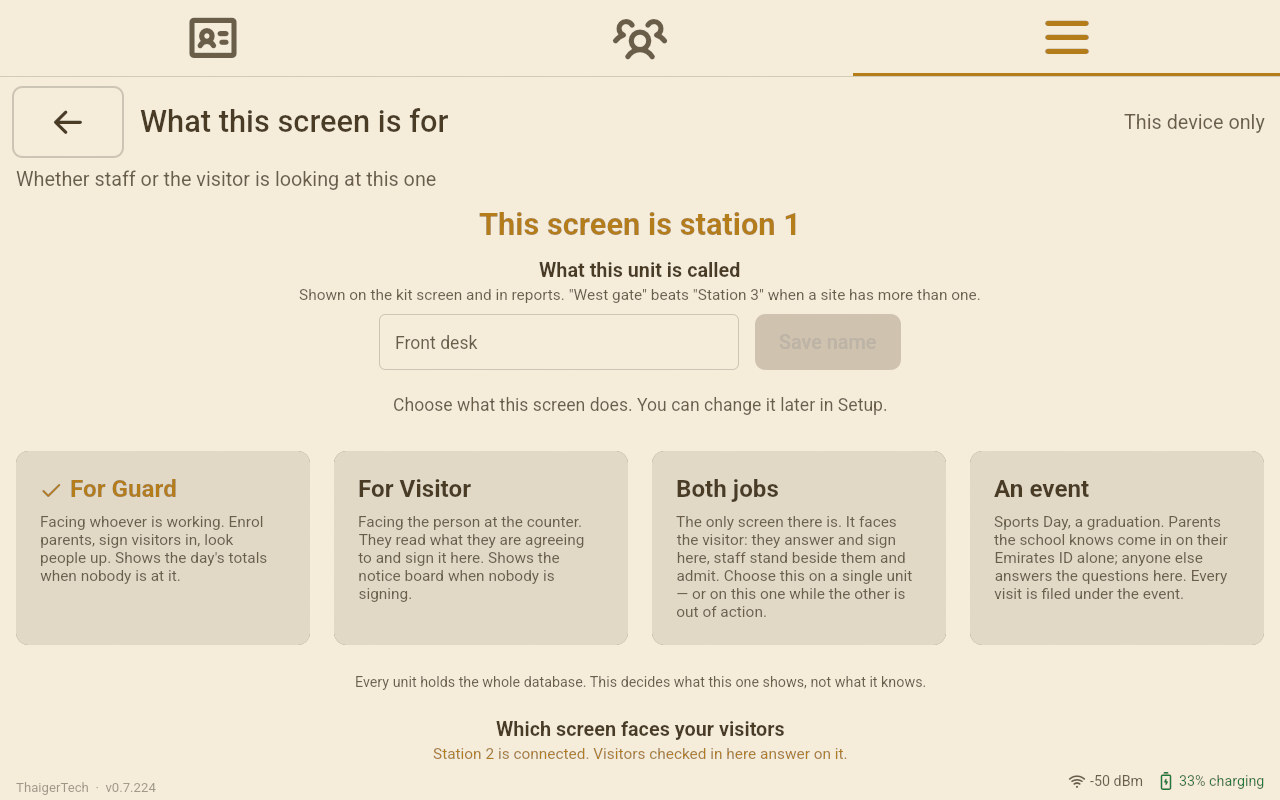
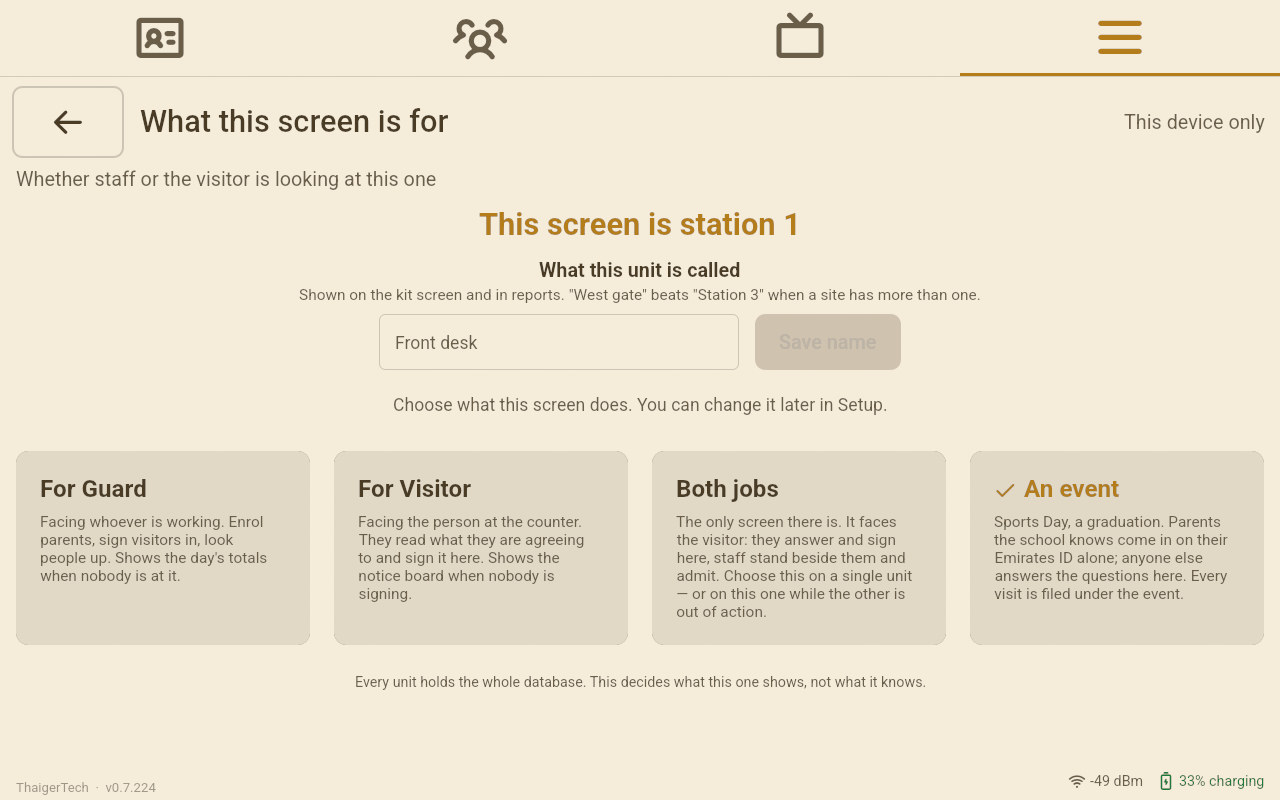
Setup › What this screen is for › An event
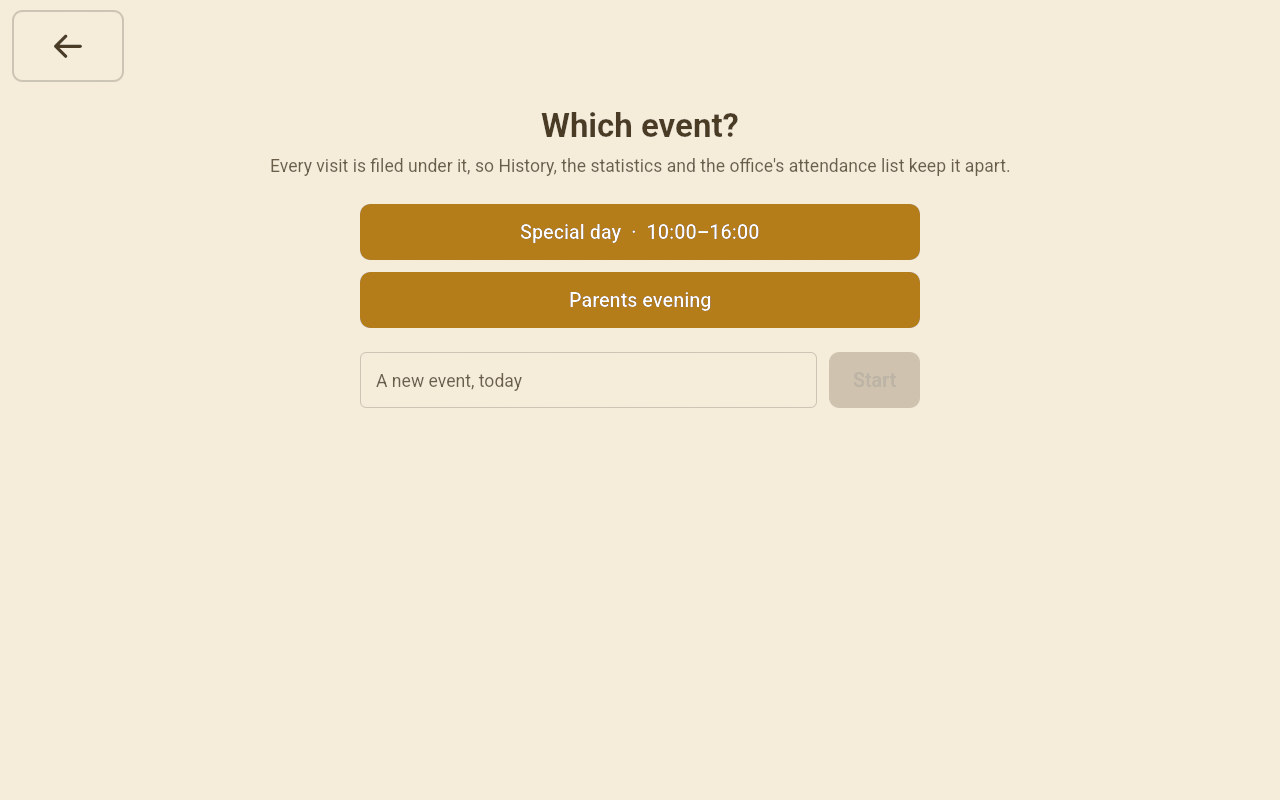
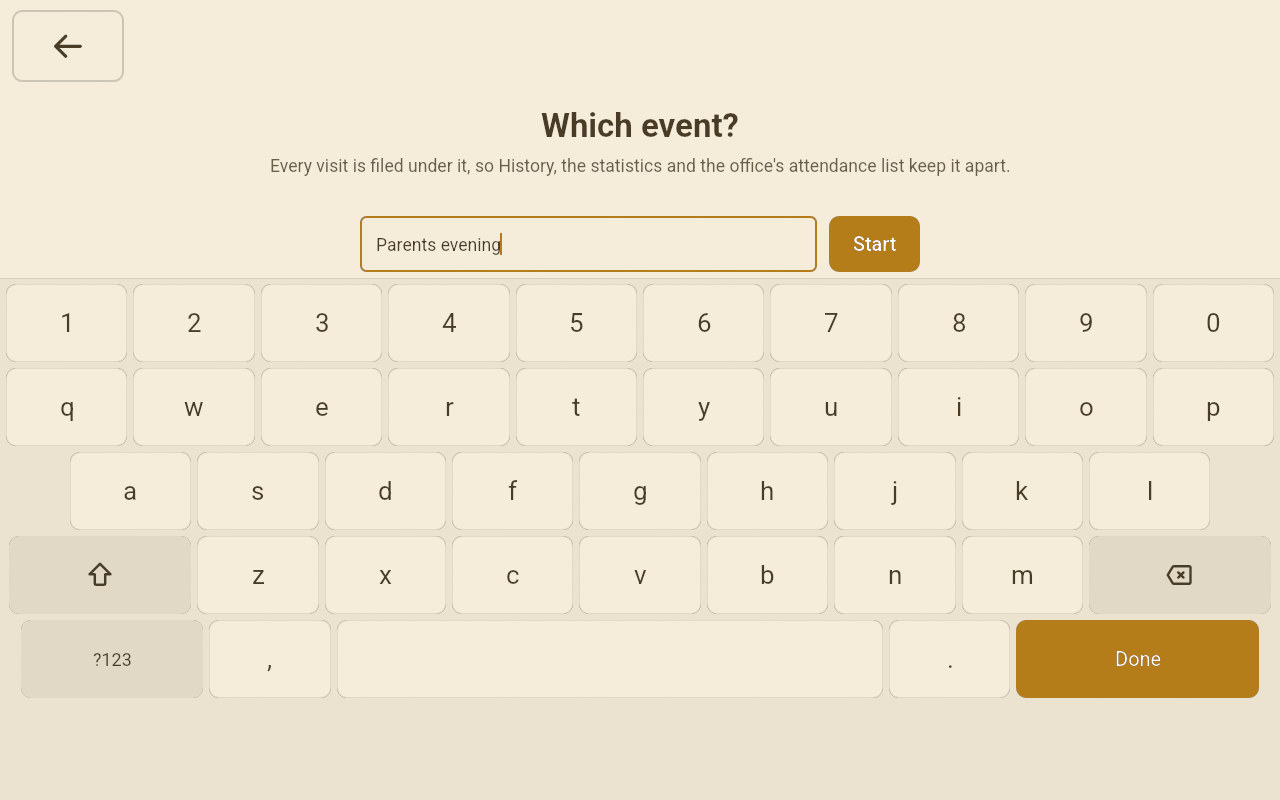
The events planned for today are listed. None planned? Type its name in the box under them and tap Start: the event is made for today, and the office's Calendar shows the day with its Event box ticked, ready for times, a countdown and a picture.
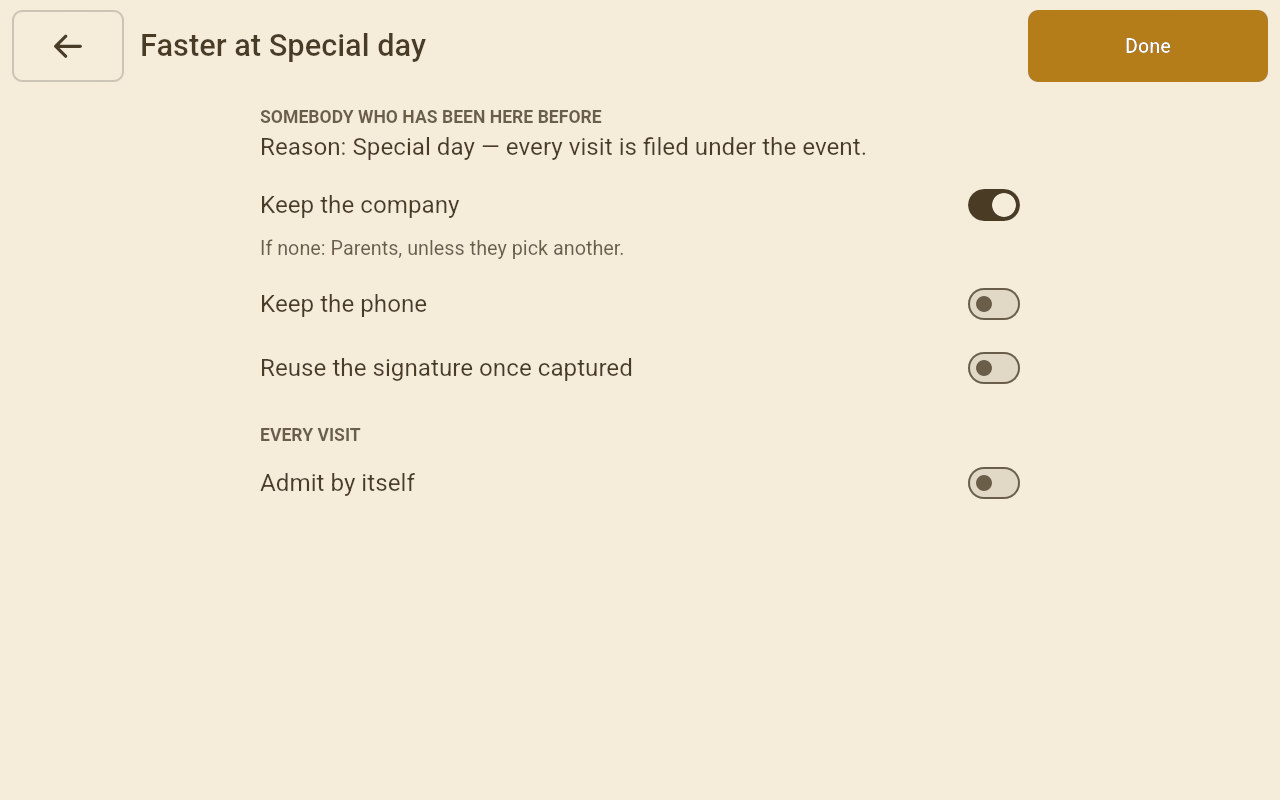
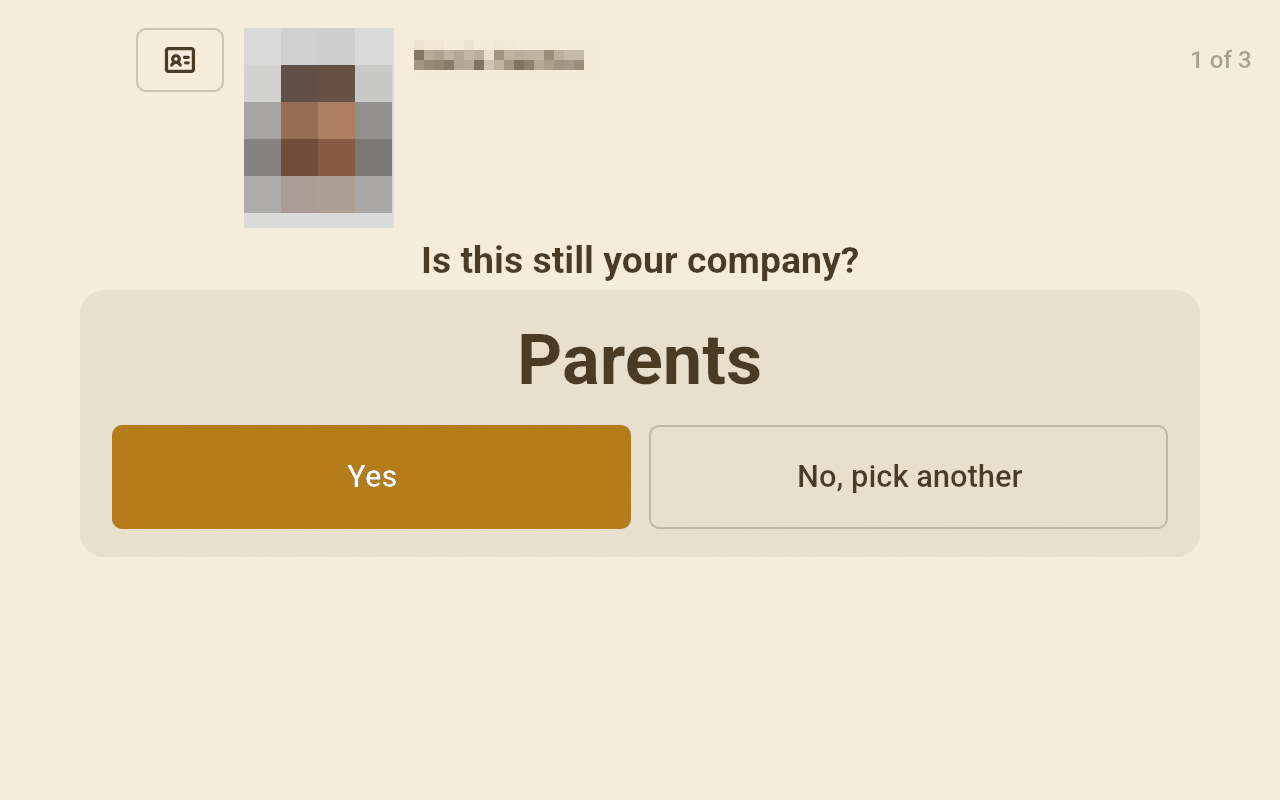
Faster at the event is this desk's own Faster, without the reason: the event is the reason for everybody, and a company nobody kept starts as Parents. What you switch here stays after the event.
Step 3 · During the event
One screen, facing the visitor
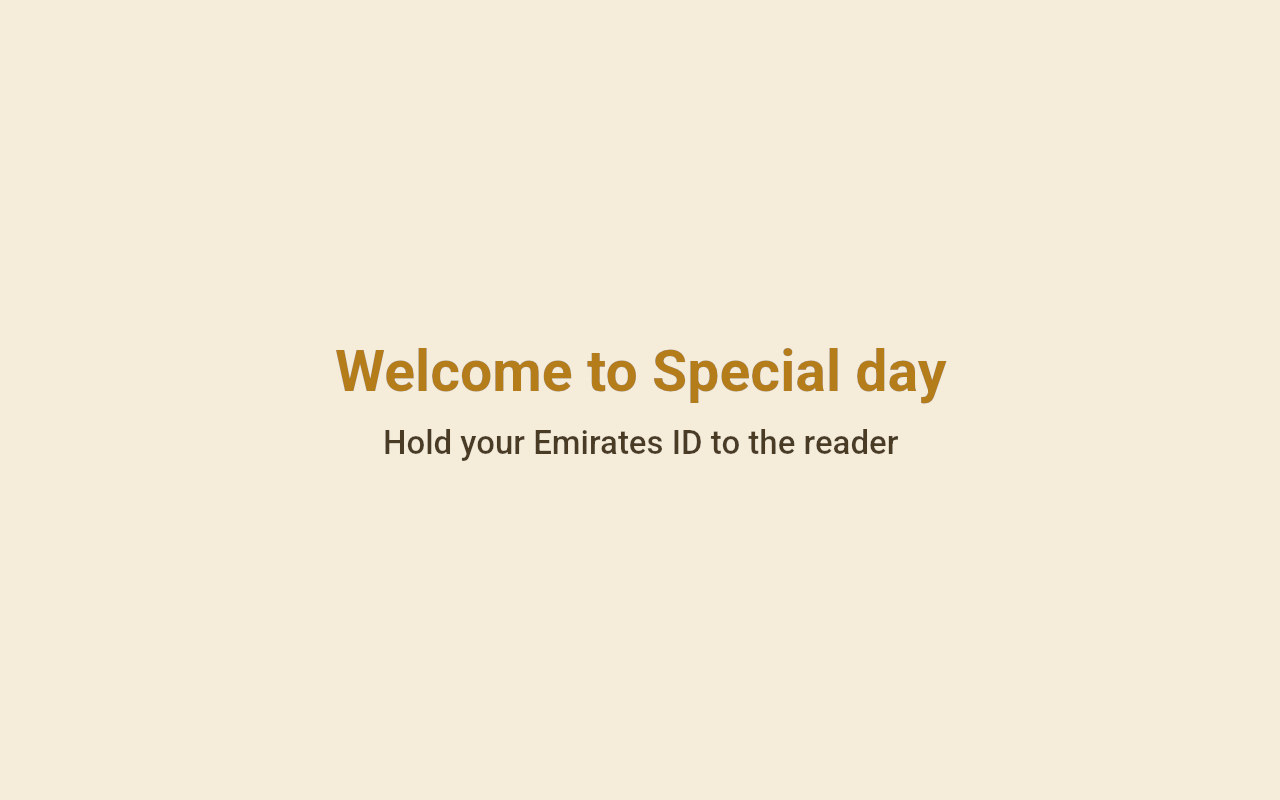
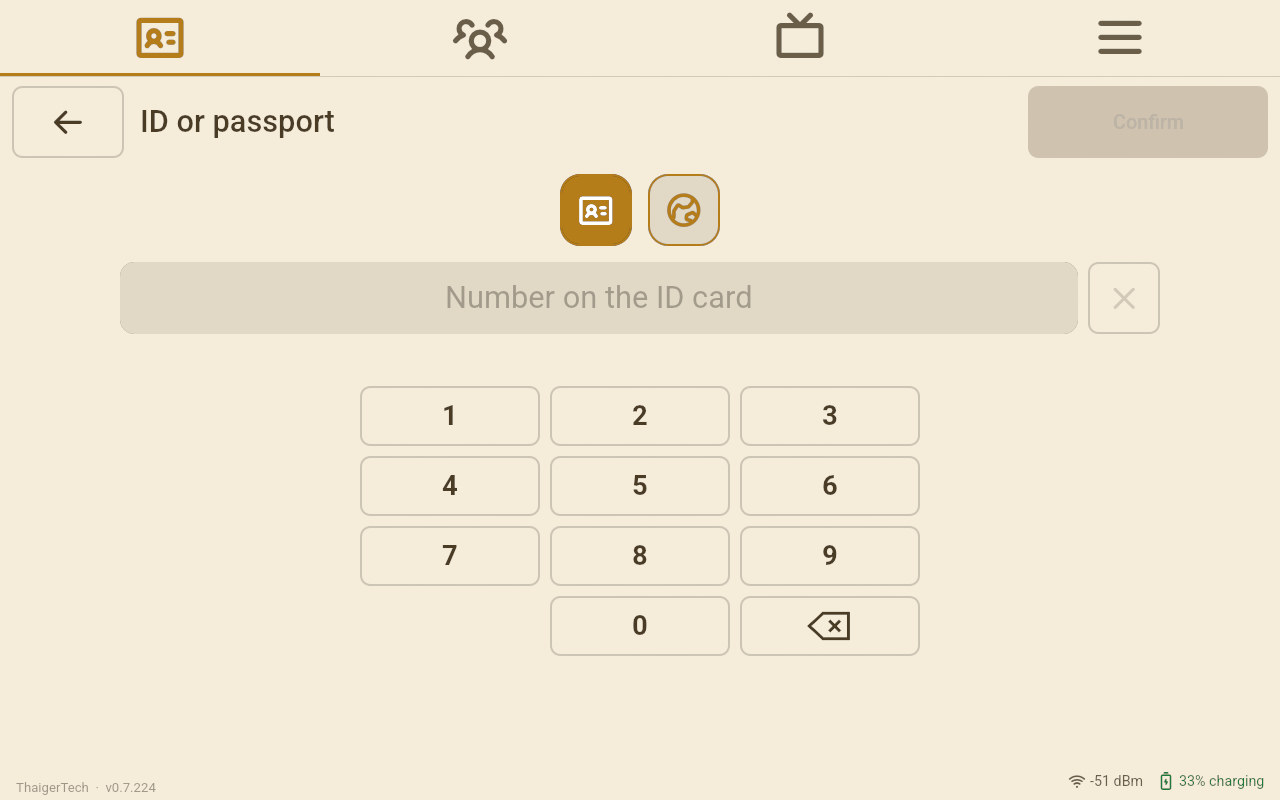
An event runs on one screen. The board says the event's name and asks for the Emirates ID; a touch gives the desk back to the operator. A visitor's screen beside it rests on its own board until the desk goes back to For Guard.
| Who | What happens at an event |
|---|---|
| A parent the school knows | On a child's pick-up list: filed under Parents, asked nothing, signs nothing, in on the Emirates ID read. Keep the phone decides whether the number is asked. |
| Somebody seen before | The event is the reason. At an event their last company is kept and a signature they gave before is carried over, whatever Faster says. Keep the phone and Admit by itself work as on any day. |
| A stranger | Every question. The reason is already the event, and the company starts as Parents: they confirm it or pick another. On the one screen the operator types first, then hands it to the visitor. |
Step 4 · Afterwards
Back to For Guard
In Setup › What this screen is for, tap For Guard, or what the desk was before. Leaving the event ends it on this desk; its visits stay filed under it. A visitor's screen that was paired with the desk connects again by itself.
Faster: who is asked what
Setup › Faster on each Front Desk, switch by switch, for a stranger and for somebody seen before.
Cars at the gate
The emirate, the plate and its colour on the visit, offered again next time, and Find by plate.